
My Deep Dive Into Assassin's Creed Shadows Photo Mode in 2026
In 2026, I can hardly imagine a major open-world release shipping without a photo mode. The feature has become so common that I often feel a little lost when a smaller title does not include one. Assassin's Creed Shadows has been a standout for me since its March 2025 launch, not only because it recreates feudal Japan with such care, but also because its photo mode is available right out of the box. I have captured hundreds of images, from moonlit temple roofs to chaotic fights in the rain, and the toolset keeps pulling me back.
What I appreciate most at first is how easy the mode is to open. I never need to pause the action, scroll through a settings menu, or interrupt the scene for more than a second. Ubisoft Quebec kept the entry point simple, which is exactly what a virtual photographer needs when a perfect moment appears suddenly during exploration or combat.
Opening the Mode Is Effortless
The input scheme is refreshingly straightforward.
| Input | Action |
|---|---|
| Controller | Press both sticks at the same time |
| Keyboard | Press the F3 key |
This flexibility matters more than it seems. I often use a controller for traversal and a keyboard for precise menu work, so knowing both methods work without conflict makes the photo mode feel like a natural part of the game rather than an afterthought. PC players can connect almost any controller, and console players can use a keyboard and mouse if they prefer. That easy access means I spend less time fighting the interface and more time framing the shot.
Camera and Lens: Framing the Shot
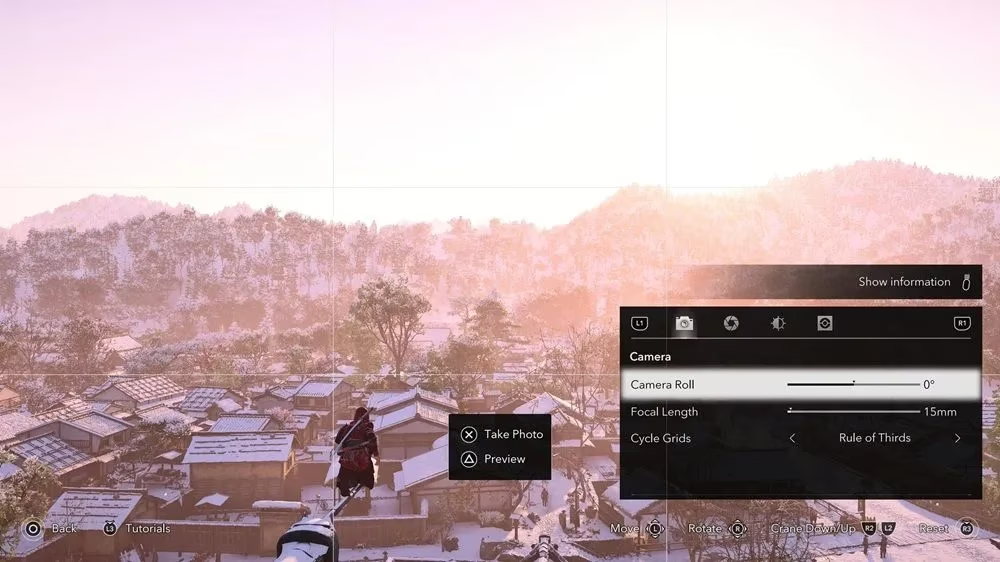
Once inside the mode, I start with the camera menu. I can adjust the positioning of the camera, shift the focal length, and apply different cycle grids to help line up a composition. The grid is particularly useful when I want to balance a pagoda against a mountain slope or keep a character centered on a path.
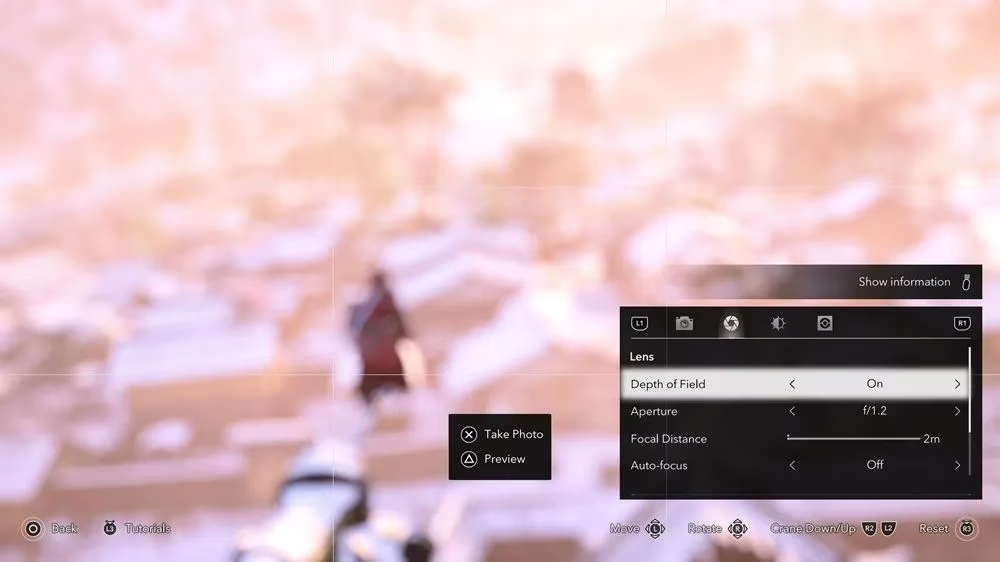
The lens options give me the kind of control I usually associate with a dedicated photography game. I can adjust depth of field, toggle auto-focus, and change the aperture size. A wide aperture gives me that creamy background blur behind Naoe or Yasuke, while a narrow aperture pulls the entire landscape into sharp focus. I often begin with auto-focus to lock onto the subject, then refine the depth of field until the scene feels cinematic.
Filters, FX, and Decorations
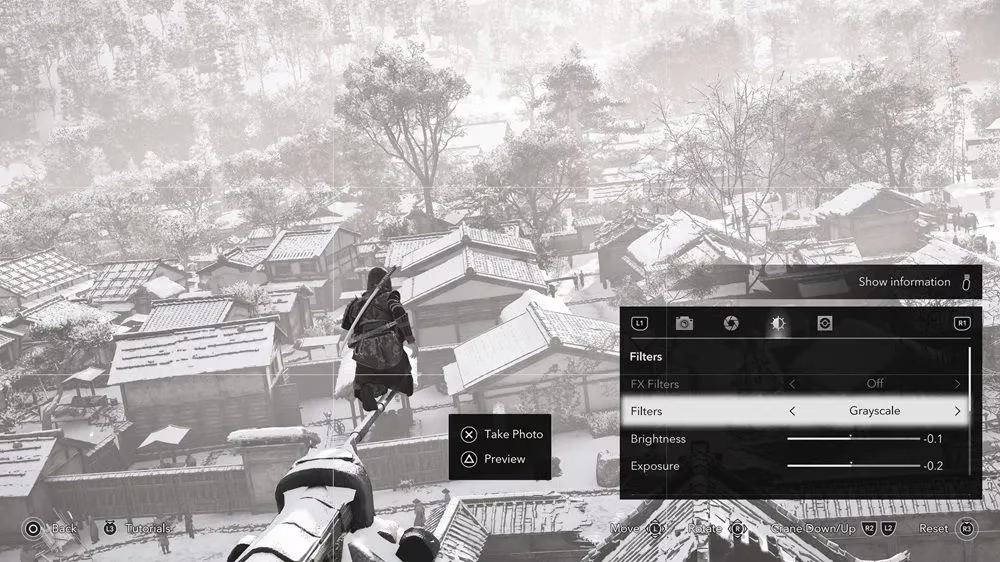
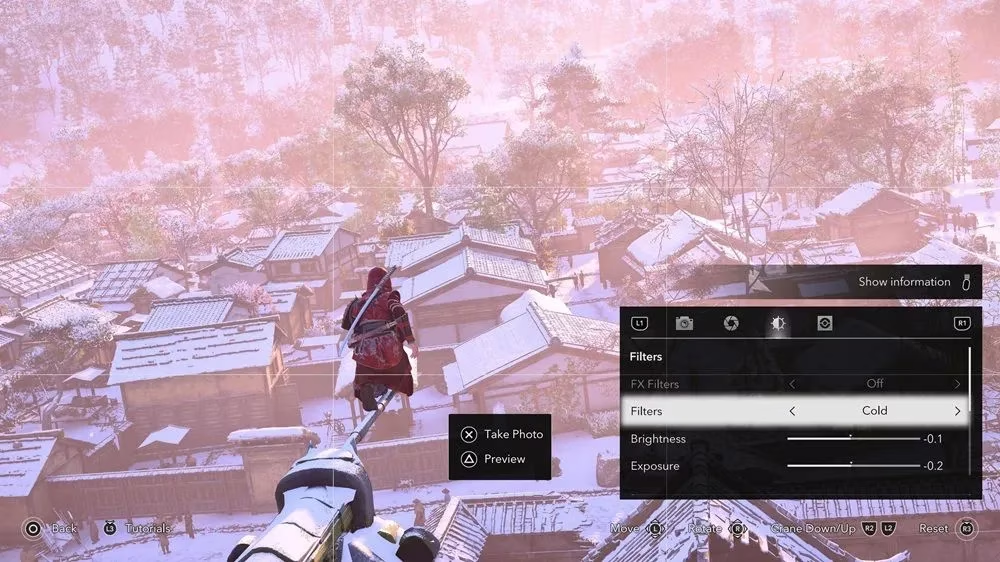
The filter system is where my sessions get creative. Assassin's Creed Shadows includes a wide range of filters and FX filters, and I can also adjust brightness, exposure, temperature, contrast, and several other settings. One of my favorite tools is the Red Dragon FX Filter, which lets me recreate the iconic Codename: Red shot. When I pair that filter with a rainy rooftop scene, the image looks like a piece of key art.
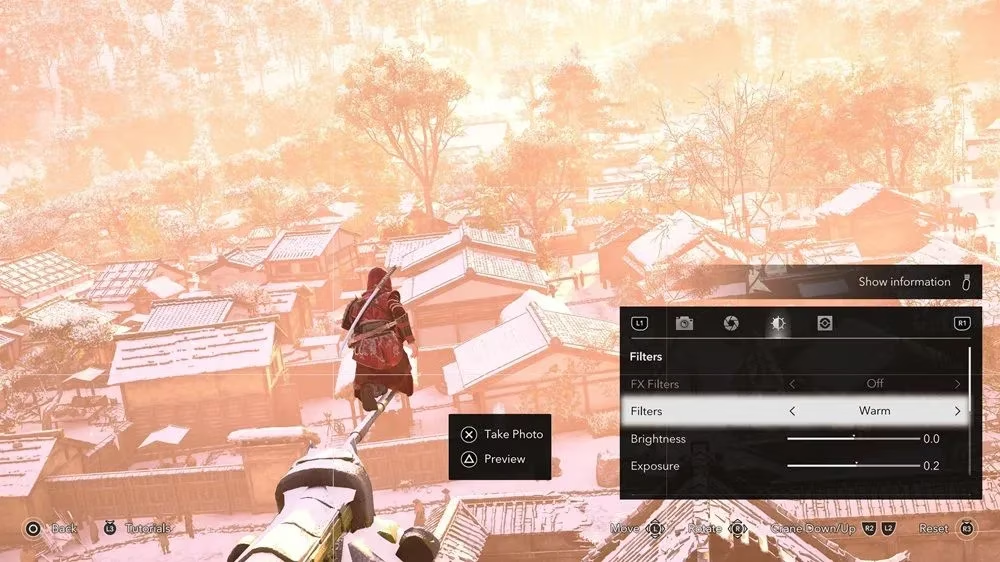
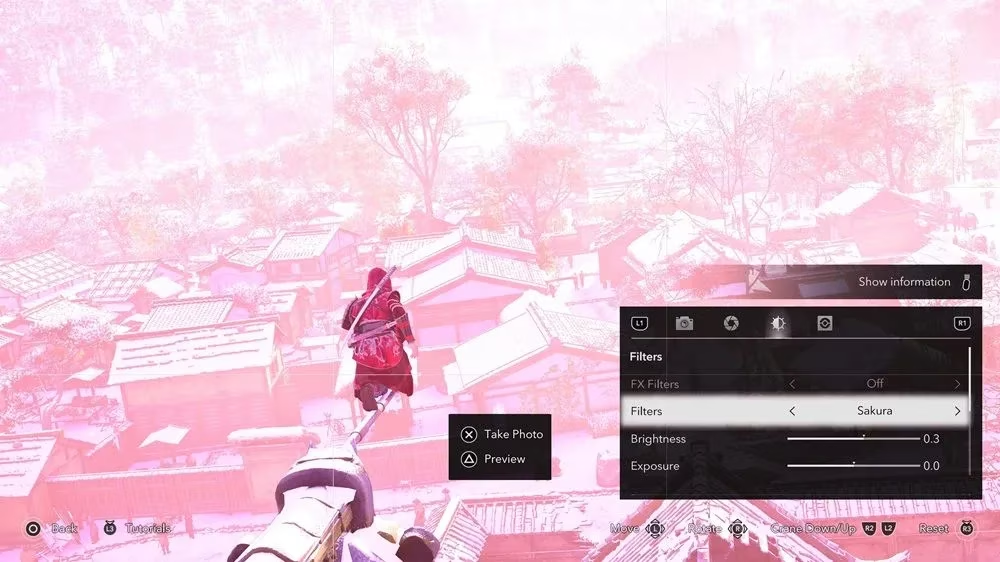
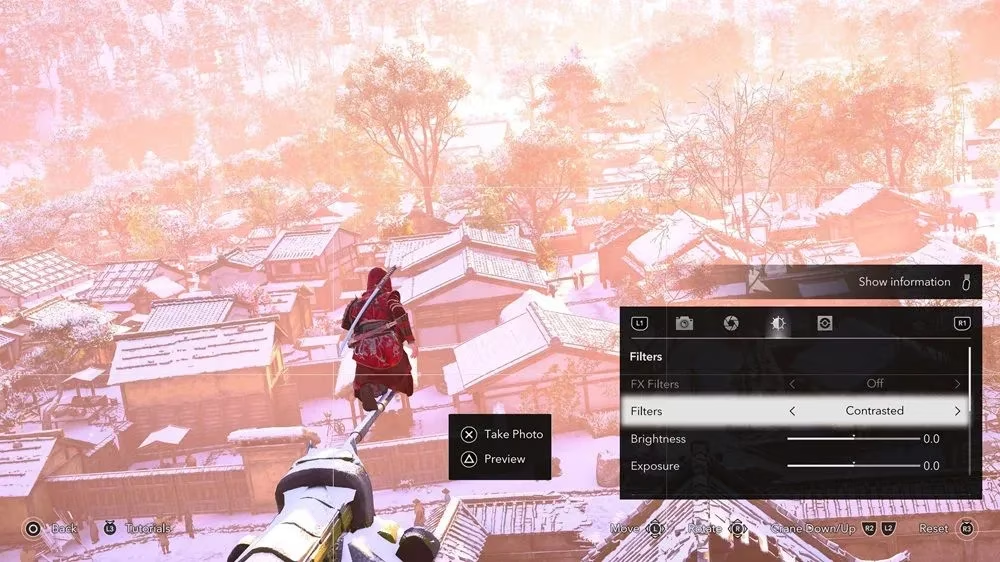
Decorations complete the package. I can add vignettes, frames, and stickers to a photo. The stickers are not just static objects either; they can be fitted, rotated, or scaled anywhere on the image. I have spent far too long layering subtle vignettes over forest scenes and placing small stickers in corners to give the shot a travel-journal feel.
Where My Photos End Up
After I take the photograph, finding the file is easy.
| Platform | Storage Location |
|---|---|
| PS5 and Xbox Series X/S | The console's media gallery |
| PC | C:/Users/[username]/Pictures/UbisoftConnect |
From there, I can use the images as a personal background on my PC or console, or I can upload them to the official Assassin's Creed photo mode gallery for other players to see. That sharing step adds a nice sense of community. I enjoy browsing what others have captured in the same world, because no two photo mode sessions look exactly alike.
Why This Photo Mode Keeps Me Snapping
In 2026, photo modes are no longer a surprise, but a thoughtful implementation still stands out. Assassin's Creed Shadows gives me quick access, deep camera and lens controls, expressive filters, and playful decorations without making the workflow feel heavy. Whether I am documenting a quiet moment in a misty village or creating a dramatic combat portrait, the tool gets out of the way and lets the beauty of Japan do the talking. That is why I keep returning to it long after the credits rolled.
Comments